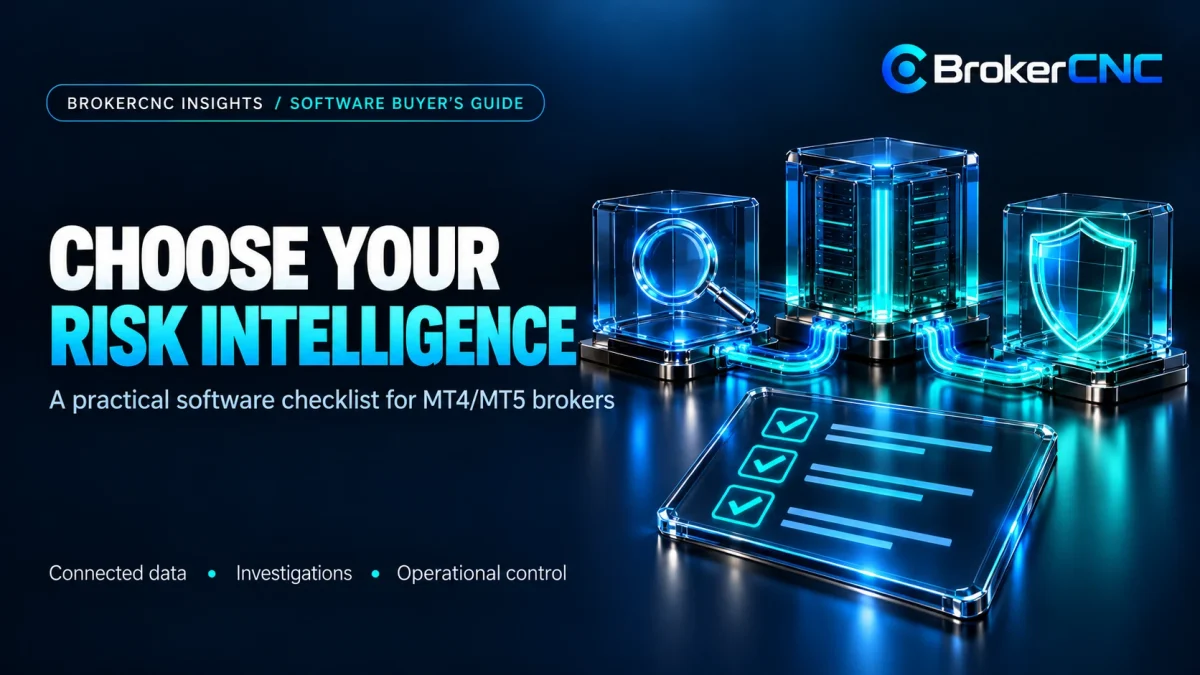
Choosing forex broker risk management software starts with the decisions your dealing and risk teams need to make. A polished dashboard is useful only if it connects reliable source data to an investigation, a clear operating action and a result that can be explained afterwards.
For MT4 and MT5 brokerages, evaluation should cover the full workflow: connected servers and bridges, exposure, account relationships, trading-abuse signals, book allocation and revenue. Use the checklist below to compare providers on demonstrable behaviour rather than the number of features on a slide.
Write the operating questions before the feature list
Choose a few real scenarios. Can the team explain a growing symbol concentration, investigate related accounts, review a routing recommendation and reconcile a position that changed books? Assign a business owner and a measurable acceptance condition to each scenario.
Document the current effort and the source of delays. A useful target might be fewer manual joins in an account investigation or a reproducible daily P/L reconciliation. Avoid treating a vendor’s illustrative demo figures as evidence of the results your brokerage will achieve.
Verify data coverage and source visibility
List the required MT4/MT5 environments, bridges and execution sources, then ask what is supported in your actual configuration. Confirm the records, permissions, update behaviour and historical coverage required. “Integration available” does not mean every field you need is included.
Ask the provider to demonstrate a stale source, an unmatched record and a reconnect. The desk needs to distinguish unchanged activity from missing data. The multi-server risk guide explains source identities, instrument mappings and consolidation checks.
Test the path from exposure to contributing accounts
Have the provider define gross, net and retained exposure in the demonstration. Ask how external hedges, partial allocations and manual adjustments enter the calculation. Confirm the reporting currency and valuation time rather than relying on familiar-looking labels.
Open a symbol concentration, inspect its contributing accounts and review the policy behind an alert. A risk score should lead to understandable evidence, not become a number the team cannot challenge. Use your own scenarios and limits for acceptance testing.
Review an investigation from signal to conclusion
Follow one potential toxic-trading or linked-account case. Inspect the original activity, relationship evidence, rule settings and review outcome. Look for a distinction between a detected pattern and a confirmed finding, including the ability to record legitimate alternative explanations.
Ask which responses are recommendations, notifications or actions that change account behaviour. Confirm permissions, approval requirements and the audit trail for your deployment. The toxic trading guide provides an evidence-based review framework.
Connect allocation decisions to actual economics
Review both the routing recommendation and its supporting assumptions. Can the dealer compare alternative allocations, understand projected exposure and inspect the cost model? Confirm the difference between a recommended route, an applied policy and completed external execution.
Then test an open-position book transfer and a revenue reconciliation. Earlier market movements should remain with their allocation history, while markup, commissions and costs have explicit definitions. The smart-routing guide and transfer-attribution guide describe those acceptance cases.
Evaluate reporting, access and ongoing operation
- Can report definitions be previewed, reproduced and scheduled?
- Can reviewers identify source data and calculation assumptions?
- Are role permissions appropriate for investigations and account actions?
- How are failed connections, changes and support issues handled?
- What implementation effort, licensing scope and ongoing costs apply?
Request clear answers about data handling, retention, hosting and support responsibilities. Evaluate these against your organisation’s requirements; do not infer a certification or a legal outcome from a product demonstration. Record any functionality that requires an additional integration or configuration.
Choose a known trading period and a small set of accounts. Reconcile the displayed figures, investigate one exception, reproduce a report and confirm who can approve an operational action. Keep the evidence and unresolved gaps in your evaluation record.
Evaluate BrokerCNC against your own workflow
BrokerCNC presents connected brokerage intelligence across exposure, linked accounts, trading-abuse investigations, A-Book/B-Book allocation, revenue and reporting. Start with the interactive platform demo, then ask our team to demonstrate the modules and connections relevant to your brokerage.
The forex broker risk management guide can help define your priorities. Request a live BrokerCNC demo with your server setup, operating questions and acceptance checklist.
Common software-evaluation questions
Should the evaluation focus on the dashboard?
The dashboard is one part. Test the source records, calculations, investigation path and operating controls behind it.
Can a generic demonstration confirm compatibility with my setup?
No. Confirm the required connections, fields and configuration with the provider, and validate them against representative source records.
See the workflow in BrokerCNC.
Discuss your MT4/MT5 servers, operating priorities and the evidence your team needs.
Book a Live Demo →