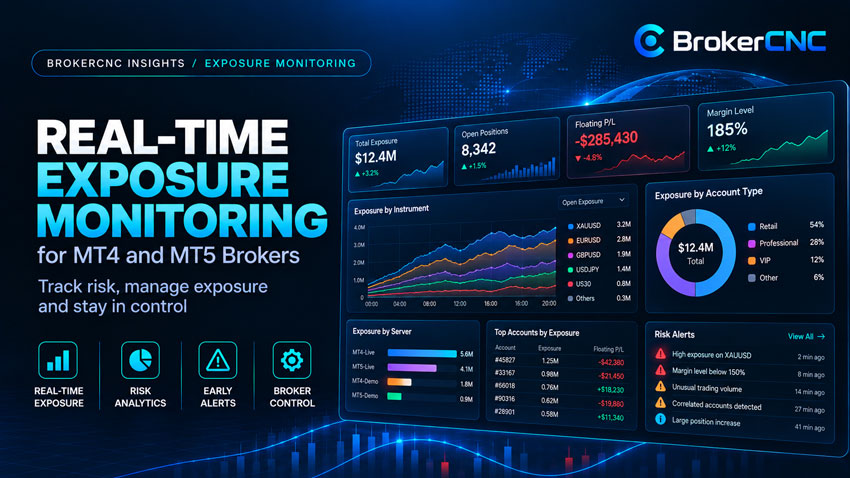
Real-time exposure monitoring should help a dealing team understand what changed and where to look next. A wall of moving numbers can make that harder. The useful view connects the brokerage total to symbols, books and contributing accounts, with a clear indication of the freshness of the underlying data.
For MT4 and MT5 brokers, that means more than refreshing a position list. The monitor needs consistent instrument mapping, a defined broker perspective and enough historical context to distinguish a brief change from an emerging concentration.
Define the exposure before displaying it
State whether a figure represents client exposure, warehoused broker exposure or a combined position including external hedges. Show the currency and valuation time. Define gross and net calculations and explain how manual hedges or partially routed allocations enter the result.
Lots alone are not a common measure across different instruments. A notional calculation needs the relevant contract specification and valuation basis. Currency conversion also requires a stated rate and timestamp, particularly when source accounts and instruments use different currencies.
Normalise instruments without losing the source
Brokerages may operate multiple servers and symbol suffixes. Map related instruments into a useful overview while preserving each source symbol and its contract settings. Two symbols with similar names can still have different sizes or calculation rules.
Account-level margin and brokerage exposure also serve different purposes. MetaQuotes documents several margin calculation modes that depend on symbol type and settings; margin should not be treated as a universal proxy for broker notional risk. See the official MT5 margin calculation reference.
Use area to show concentration
A treemap is useful when tile area represents a clearly labelled measure, such as absolute exposure by symbol. Colour can indicate direction, while the value and share explain the magnitude. A large exposure should occupy more space than a small one.
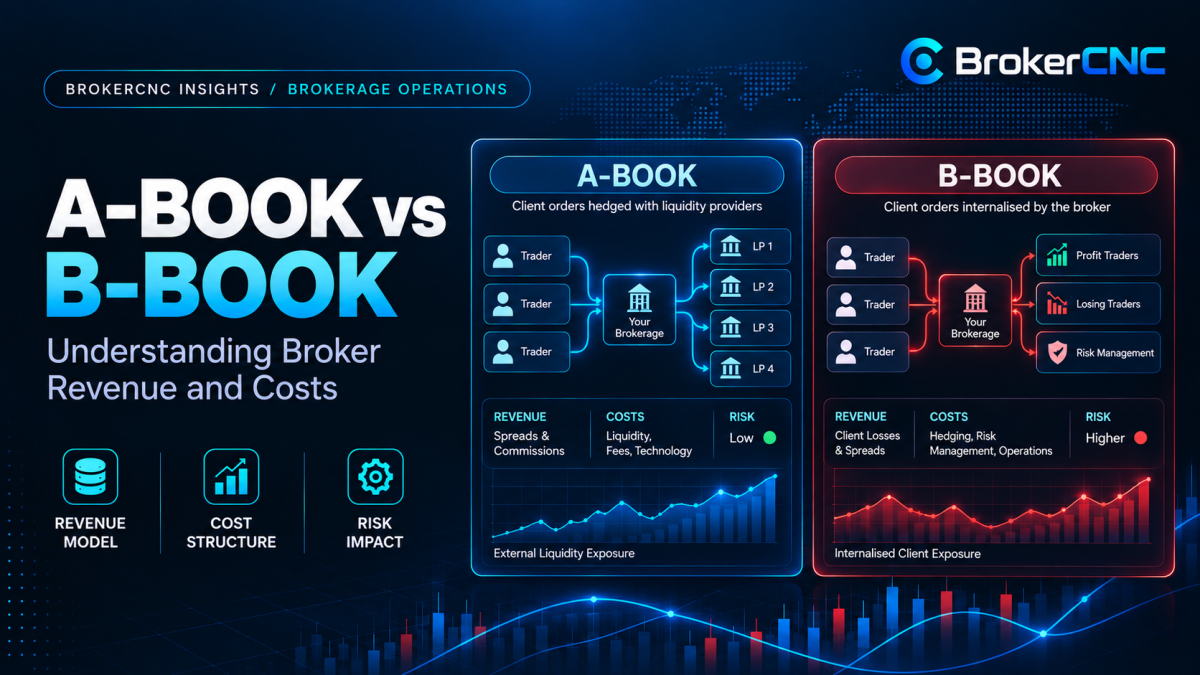
Keep book allocation separate from the direction encoding. A-Book and B-Book describe routing or retained-risk allocation, while long and short describe exposure direction. Combining both ideas into a single colour scheme can make the monitor difficult to read.
A symbol has $2.5 million of absolute warehoused exposure within a consistently defined $5 million gross at-risk book. Its share on that basis is 50%. The result is meaningful only if both numerator and denominator use the same scope and valuation method.
Make the contributing accounts accessible
Move from asset class to symbol, server-specific instrument and account. The drilldown should explain each account’s allocation, net position and relevant trading result. Preserve a server-plus-login identity so accounts from different environments are not merged accidentally.
Keep the selected symbol visible as the account table updates. Let the reviewer compare contributors within the same snapshot before switching to a live update. Motion should support understanding, not continually rearrange the evidence while someone reads it.
Connect alerts to an exposure policy
An alert should explain the metric, configured limit, observed value, scope and trigger time. A concentration warning and a currency-denominated net-exposure limit are different rules. Show the policy behind the alert so the reviewer can understand why it exists.
If no policy is enabled, display that state explicitly. “No alerts” can otherwise be mistaken for a healthy book when the system has no active limits. Define acknowledgement, assignment and recovery behaviour so the alert has a useful operating lifecycle.
Make freshness and source failures visible
Show the latest source update and distinguish an unchanged book from a disconnected feed. Reconnects, duplicate events and delayed records need an explicit handling process. A visually active screen does not prove every source is current.
Validate the monitor against known snapshots and reconciliation records. Test symbol mappings, allocation changes and gaps in source data as well as the normal update path. Compare MT5 orders, deals and positions according to their different roles; MetaQuotes documents those relationships.
The BrokerCNC Exposure Monitoring demo connects a symbol treemap, account drilldown, allocation and policy alerts. Pair it with the Report Builder demo to explore how the same operational questions can become repeatable reports.
See the workflow in BrokerCNC.
Explore the product demo, then discuss your servers, routing and brokerage priorities with our team.
Book a Live Demo →